The Scientific Notation Converter and Calculator converts numbers between scientific notation and decimal form. It also performs various arithmetic operations like addition, subtraction, multiplication, division and mixed operations.
Auto Detect + Decimal ↔ Scientific Conversion + Computations
Our scientific notation converter and calculator online can help you convert extremely large and tiny decimal numbers into scientific notation and vice versa for free. It also allows you to perform addition, subtraction, multiplication, and division with numbers in scientific notation.
If you want your calculation results to follow significant figure (sig fig) rules as well, simply check the Sig Fig option. When enabled, the calculator applies the appropriate scientific notation and significant figure rules to your computation and provides the final rounded result. Alternatively, you can also use the Sig Fig Calculator. This calculator not only performs arithmetic operations but also counts significant figures and rounds input numbers to the required significant digits.
Instead of jumping between different methods, you can rely on this tool to handle both conversions and math operations smoothly. It is built to keep things clear, even when the numbers or steps become complex.
With this tool, you can
Convert regular decimal values into scientific notation for easier reading and calculation.
Change numbers written in scientific notation back into standard decimal form.
Calculate addition, subtraction, multiplication, and division using two or more numbers.
Solve multi-step math problems that combine different operations, such as addition with multiplication, subtraction with division, or other arithmetic combinations.
Note: In mathematics, another name for scientific notation is standard form. In the UK, scientific notation is known as standard form or scientific form. However, in the US, standard form also means writing a number into ordinary decimal form, such as 5,324 or any other decimal number.
So, in mathematics, we can also call this calculator a standard form converter and calculator.
Features of Our Scientific Notation Converter and Calculator
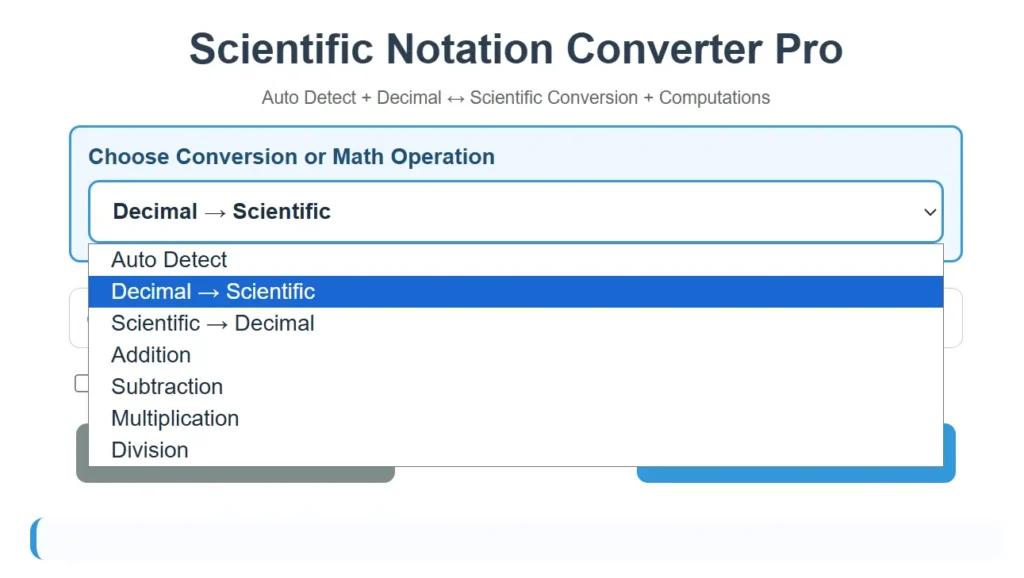
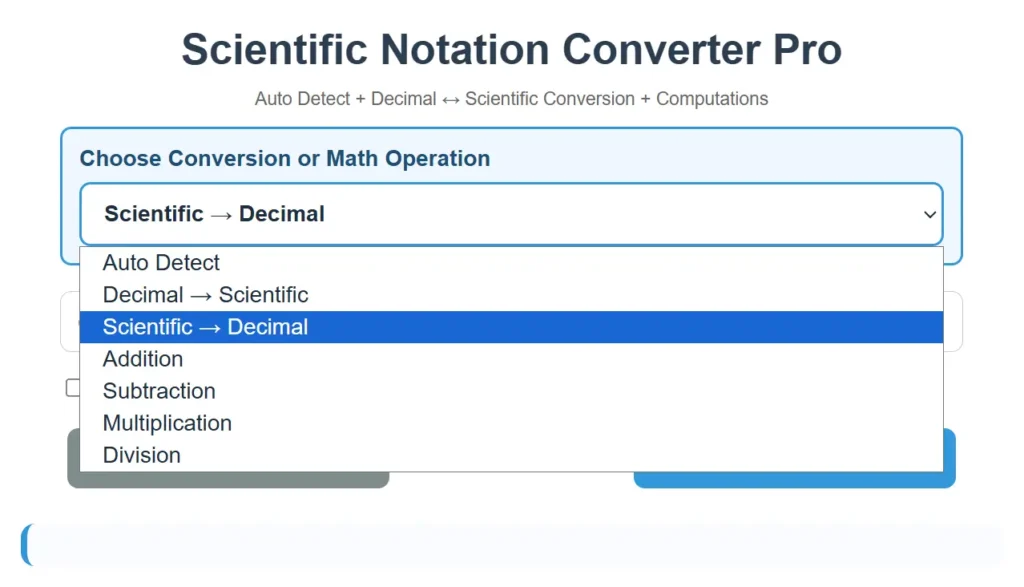
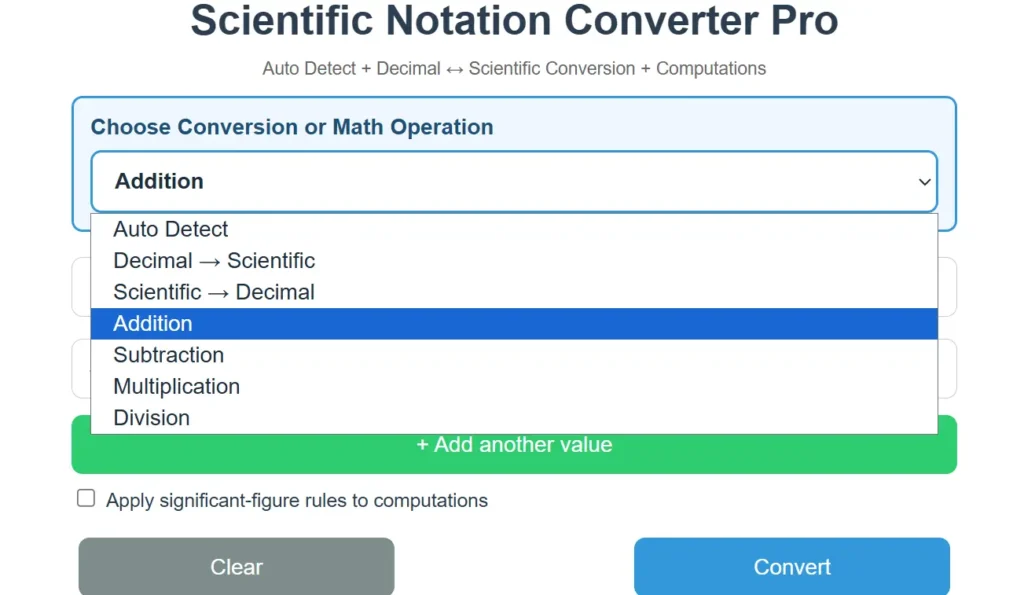
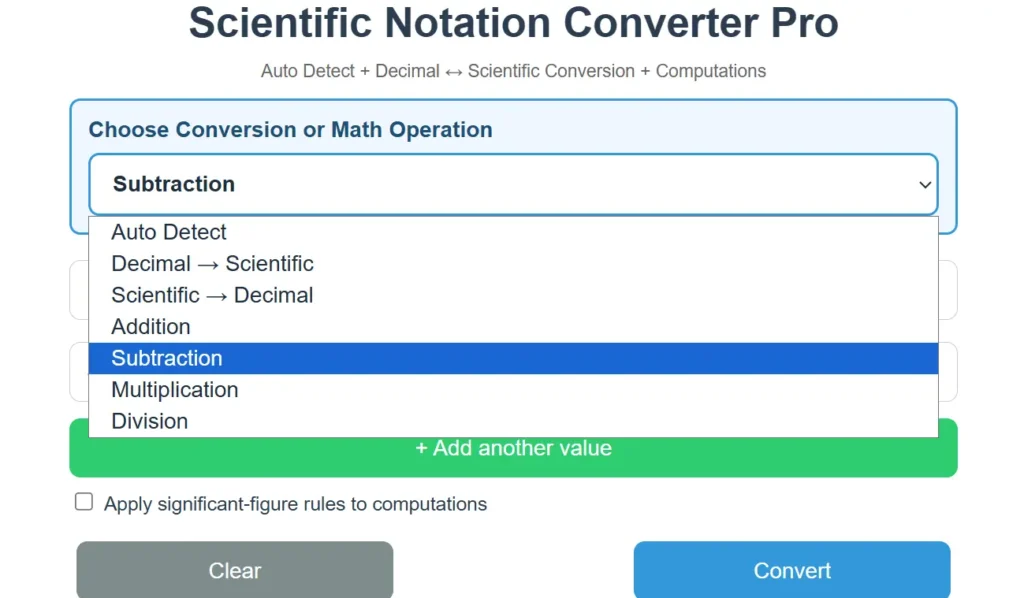
Our tool has a drop-down menu, in which it shows different types of sub-tools that have specific features. Let me explain each of them one by one:
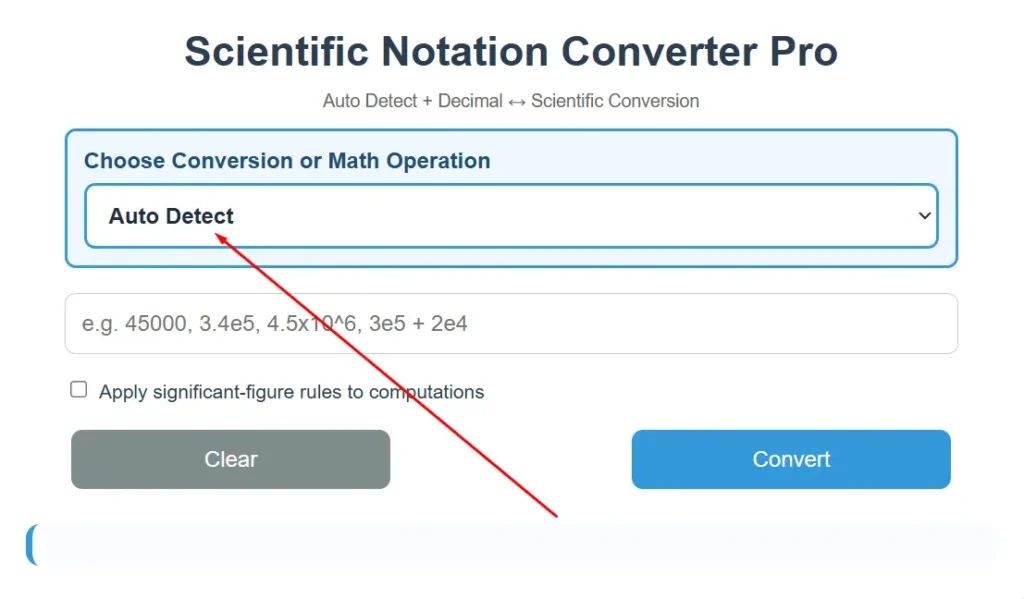
1) Auto Detect
The first tool you will see when you open the calculator is the Auto Detect feature. It handles all scientific notation tasks with ease.
It can change scientific notation into decimal form and also convert decimal numbers back into scientific notation. It also supports basic mathematical computations such as addition, subtraction, multiplication, and division. You can even use it for calculations involving more than two values or mixed operations.
For addition, subtraction, multiplication, and mixed operations, the calculator accepts upto five values. For division, the calculator accepts only two values.
To transform scientific notation into decimal or decimal into scientific notation, it takes one value at a time. But if you want to compute scientific notation, it can take upto five values at a time with the same or a mix of mathematical operations.
In order to convert or compute, after putting your value in the calculator, press the “Convert” button or press “Enter” on your keyboard.
For example, it can accept different types of inputs like (9×10^10) – (4×10^10), 3.5*10^3, 1e-6, 2.342, 623,423, and any other kind of value that can be converted into scientific notation.
Caution: When you copy scientific notation in the form of ×10y, for example, the mass of the moon 7.34767309 × 10²², oftentimes your clipboard copies this value as 7.34767309 × 10²². When you paste it into our calculator. The calculator will consider it two decimal numbers multiplying and give the output accordingly. So, before converting this number into decimal form, correct the power of the value, like 7.34767309 × 10^22.
2) Convert Decimal to Scientific Notation
The 2nd tool in the drop-down menu is a scientific number converter. It only converts decimal notation into scientific notation. Other names for this tool are a scientific notation converter and a scientific notation generator
It also shows the engineering notation in the output.
The decimal form could be 0.0002077, 291.7, 670,000, 1000., 9851, 463 100, 0.3643, 0.0005, 6750., and any other number written in decimal notation. It would take your input in these formats and convert it into scientific notation.
3) Convert Scientific Notation to Decimal
The 3rd tool in the drop-down takes input in the form of scientific notation and converts it into decimal form.
You can put scientific notation as 1.5×10^3, e-notations like 2.556889171e-11,1e-4, or in 1.5*10^4 form. It would convert these scientific forms into decimal notations.
4) Adding Scientific Notation Calculator
The 4th tool in the dropdown menu is for addition. You can add up to five scientific notations at a time, and it will give you the correct result.
The input value can be added in 1.5×10^3, 1.5e3, 1.5 × 10^3, or 1.5*10^3. The tool can accept input values in all these formats.
If you have more than two scientific notations in a single expression that contain mixed signs of addition and subtraction like 5.6×10^4 + 3.2×10^-3 – 7.1×10^2, you can either use our Auto Detect tool or enter the negative value directly in the addition tool by attaching the minus sign to the negative number.
The tool also gives the option of “Apply significant-figure rules to computations”. Once you check this box, the output will consider sig fig computation rules and round off the final answer accordingly.
5) Subtracting Scientific Notation Calculator
The 5th tool in the dropdown menu list is our subtraction tool. It subtracts multiple numbers written in scientific notation and accepts numbers upto five values. It means you can only input five values in scientific form at a time, one in each box.
The input value can be in any of these formats: 3.5×10^-3, 3.5*10^-3, 3.5 × 10^-3, (3.5×10^-3), or 3.5e-3.
If you have more than two values with a mix of addition and subtraction like 3.5 x 10^4 – 2.1 x 10^4 + 1.2 x 10^4, you can either use Auto Detect or the subtraction tool.
To use the subtraction tool, break the plus sign into -(-). So the expression becomes 3.5 x 10^4 – 2.1 x 10^4 – (-1.2 x 10^4). You have to input values like this: 3.5 x 10^4, 2.1 x 10^4, -1.2 x 10^4.
We split the plus sign into two minus signs because the subtraction tool treats every input as a value to subtract.
If you enter +1.2×10^4 directly, the tool may apply its own subtraction rule and incorrectly treat it as a negative value like – (+1.2×10^4). By writing it as – (- 1.2×10^4), the first minus comes from the tool’s subtraction process, while the second minus preserves the original positive value. Doing this will give you the desired result.
This tool also applies the significant figures rules when you check the box “Apply significant-figure rules to computations”.
6) Multiplying Scientific Notation Calculator
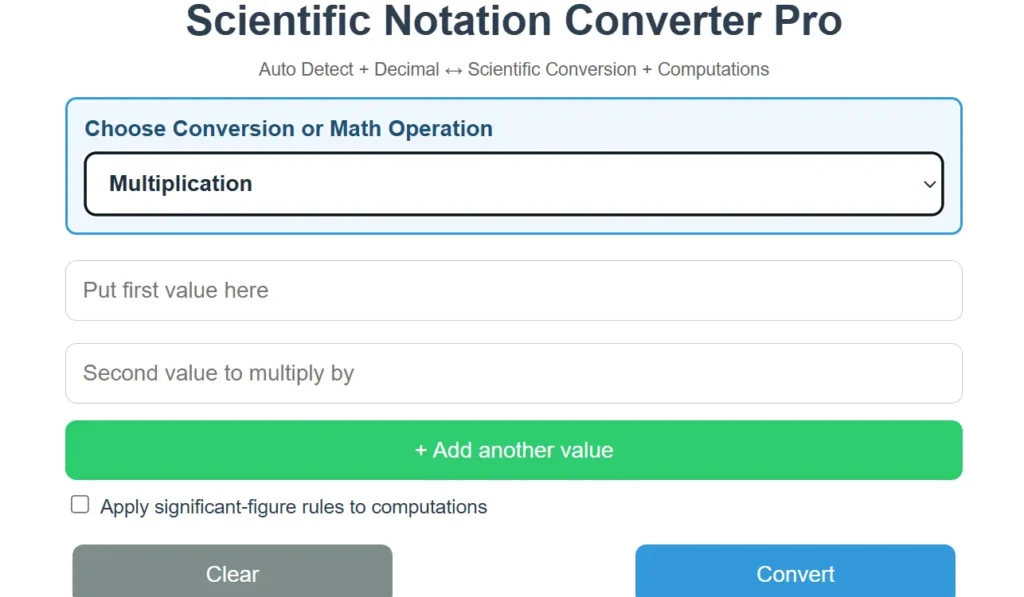
The 6th tool in the dropdown menu list is related to multiplying numbers in scientific notation. It accepts upto five inputs as scientific notation numbers. Enter one value in each box.
It can accept the values in these formats: 6.7e-4, 6.7 x 10^-4, 6.7*10^-4, or 6.7× 10^-4. It can also accept the number written with a small bracket, like (6.7× 10^-4).
When you check the box “Apply significant-figure rules to computations”, it applies rules of sig fig that are for multiplication.
7) Dividing Scientific Notation Calculator
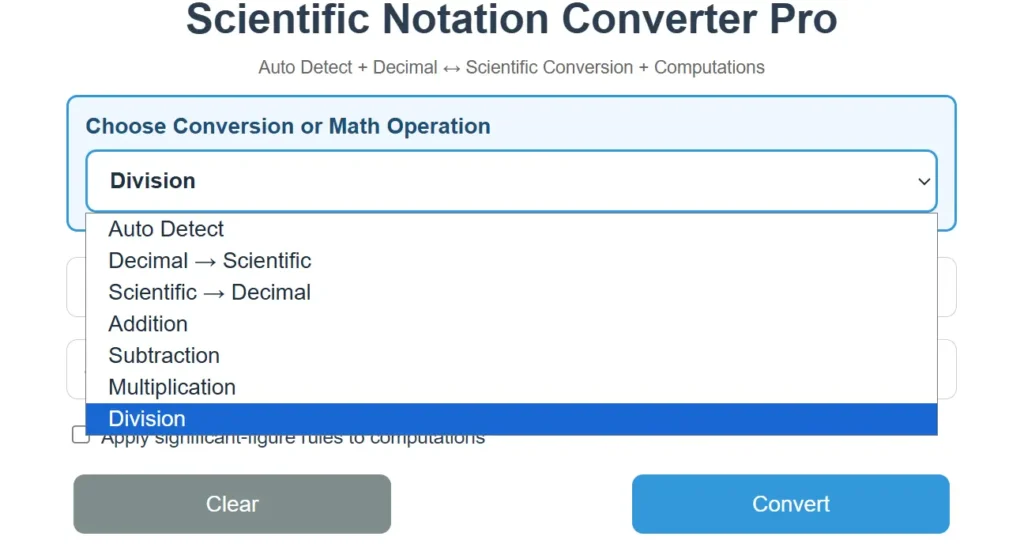
The 7th and last tool is for division. You can enter a maximum of two numbers in scientific notation that you want to divide.
The division calculator can accept values in these formats: 3.6×10^4, 3.6*10^4, 3.6e4, 3.6 × 10^4.
When you tick the box saying “Apply significant-figure rules to computations”, it applies rules of significant figures specific to division.
How to Convert a Number into Scientific Notation
A scientific notation converter and calculator converts very large or very small decimal values into scientific notation in a shorter and easier-to-read format, so you do not need to move the decimal point or calculate the exponent manually.
To use the calculator
Type the decimal value into the calculator’s input field.
Select Convert or press Enter on your keyboard.
The calculator will rewrite the number in scientific notation and display the result. Your conversion is now complete.
For example, the decimal number 45,000 becomes 4.5 × 10⁴. The number 0.00072 becomes 7.2 × 10⁻⁴. A positive exponent is commonly used for large numbers, while a negative exponent is used for values smaller than 1.
This calculator is useful for checking homework, simplifying measurements, working with scientific data, and avoiding mistakes when converting numbers manually. You can enter another value at any time to perform a new conversion.